Notion Subtasks: Choose Sub-Items or a Relation
Notion subtasks: choose sub-items or a self-relation, set parent and child fields, and keep project links clear with a quick setup test.
By Notion Task Manager by Cosmo Suite · Editorial policy
Published · 8 min read
For smaller steps under a Notion task, start with native sub-items. They keep parent and child tasks in one database. Use a relation to a separate Projects database when the task needs a project record. A project is its own record; a subtask is still a task.
If a child needs the same task fields and should appear with its parent, use sub-items. If the project needs its own status, owner, or target date, create a project record and relate tasks to it. A short task list may not need a hierarchy. You can compare the options with the Notion Task Manager's prepared work areas.
Key Takeaways
- Use native sub-items for parent and child tasks in the same task database.
- Use a relation to a Projects database when projects need their own fields and reviews.
- Keep tasks flat until a hierarchy makes the next action easier to find.
- Test views and filters after adding children so they do not disappear from the list.
How do Notion subtasks work as sub-items?
Notion subtasks are child pages inside the same database as their parent task. Notion calls the feature Sub-items. It uses a relation to connect the pages, then adds settings for how they nest and appear. You do not need a second task database just to break one task into smaller actions.
The feature is called Sub-items in Notion's database settings. Open the database menu, choose More settings, choose Sub-items, then turn the feature on. Notion's sub-items and dependencies guide describes how to choose nested or flattened displays for different views.
Notion's guide to subtasks and dependencies describes sub-items as a self-relating property. That is why parent and child tasks can stay in the same database.
Each child is a database page with the same available fields as other rows, such as status, assignee, or due date. Use it when the smaller actions need their own tracking. Children also inherit the database setup. If tasks and projects need different fields, relate tasks to a separate Projects database.
Sub-items or a relation at a glance
Choose based on what the other page represents. A child task belongs in the task hierarchy. A project relation connects a task to a separate work record.
| Need | Structure | Choose it when |
|---|---|---|
| Break one task into actions | Sub-items in the task database | Parent and child are both tasks with similar fields |
| Connect tasks to a project | Relation between Tasks and Projects | A project has its own status, target date, or review |
| Build custom parent and child labels | Self-relation in one database | You need a custom relationship beyond Notion's sub-item display |
| Track a short list | No hierarchy yet | A flat list already shows what to do next |
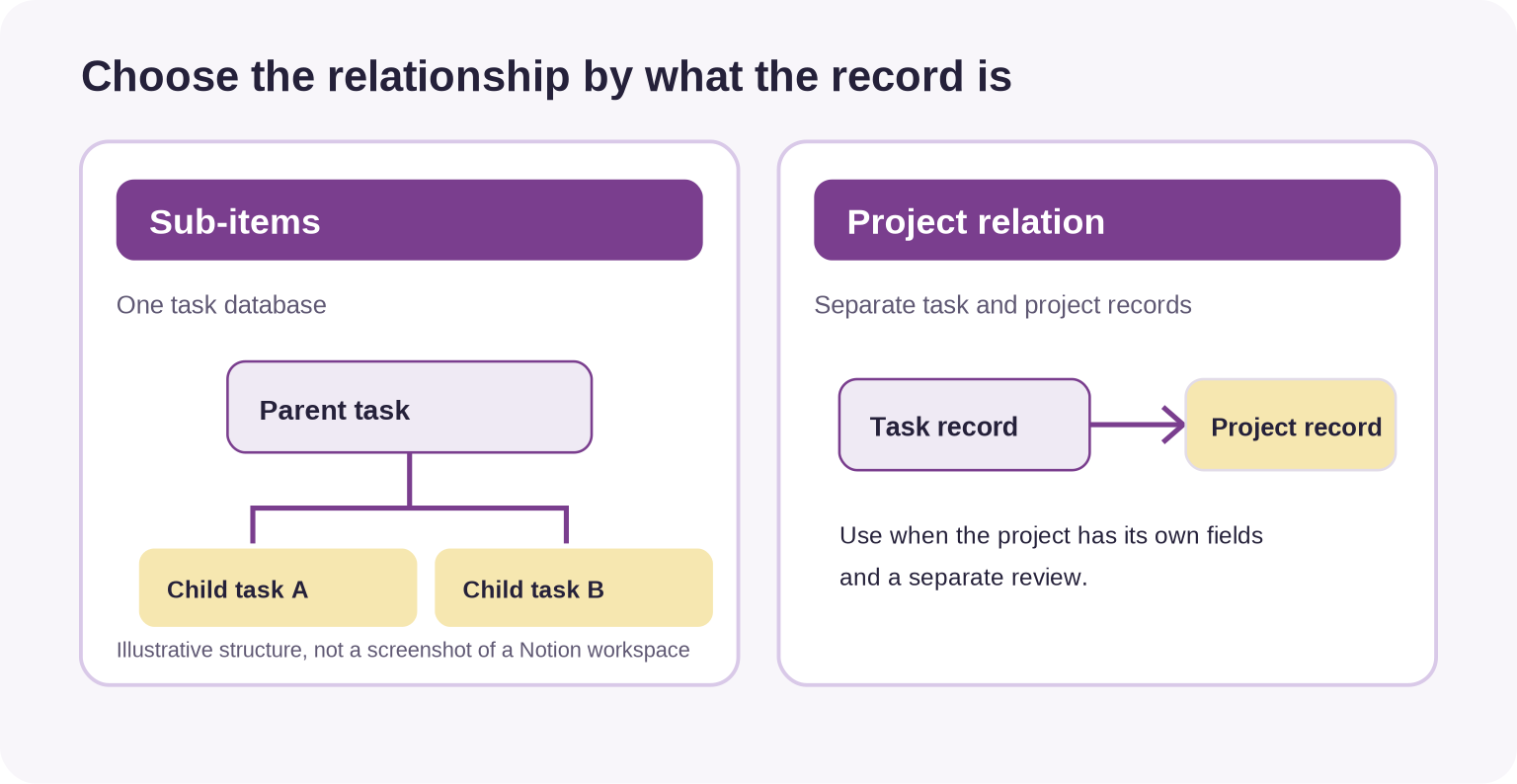
The left side keeps tasks in one database. The right side links a task to its own project record.
If a task supports several projects, a relation can allow more than one page. If it should have one project only, Notion lets you limit the relation to one page. The relations guide explains both options. Choose the structure before adding properties; otherwise, you may end up maintaining both a parent field and a project field that describe the same thing.
When do native sub-items fit?
Use native sub-items when one outcome can be split into task-sized actions, and you want to see or update those actions in the same database. A parent task can then carry the overall intent while each child states a concrete next action.
This works when the steps share fields. A parent and its children may all need a status and due date. If children need different data or access rules, use a separate database and relate the records that need to connect.
Before turning the feature on, decide how much detail each child needs. Give an action an owner when someone needs to carry it. Add a due date when that step has a deadline separate from the parent. Keep a project-level date on the project record. The relation supplies the hierarchy; the task properties describe the action. A parent can name the outcome while each child carries its own next step. That keeps you from copying the full project description into every task row.
After turning on sub-items, choose how they appear in each view. In a table, list, or timeline, nest them under the parent or show them in a flat list. In a board, calendar, or gallery, show children as a card property or flatten the list. Table, list, and timeline views also let you filter for parents, parents and sub-items, or sub-items only. Check each view's controls because the options depend on its layout.
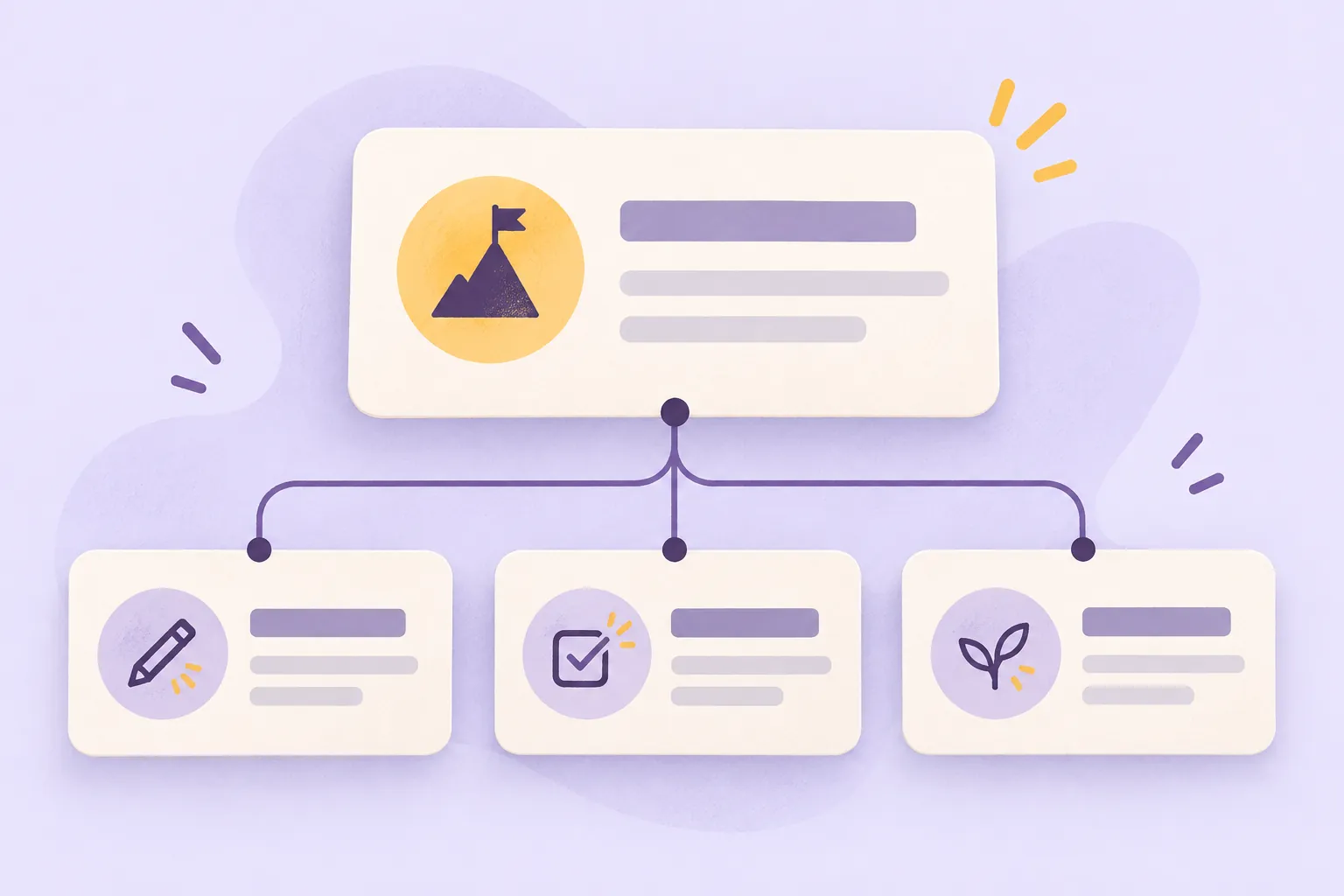
Conceptual illustration of the parent-child structure. It is not a Notion screenshot.
When should tasks link to a Projects database?
Use a separate Projects database when a project needs its own properties or gets reviewed apart from its tasks. Each task can point to a project through a Relation property.
For example, a project may have a target date and project status. Its tasks can have separate due dates and progress. A relation keeps the two record types distinct. Show related tasks on a project page through the relation or a linked database view filtered to that project.
The Notion project management template guide walks through this task-to-project relation. Keep its scope in mind: a relation connects records, but it does not turn a project into a parent task. If your only need is to split “prepare the launch” into smaller actions, native sub-items are less structure to maintain.
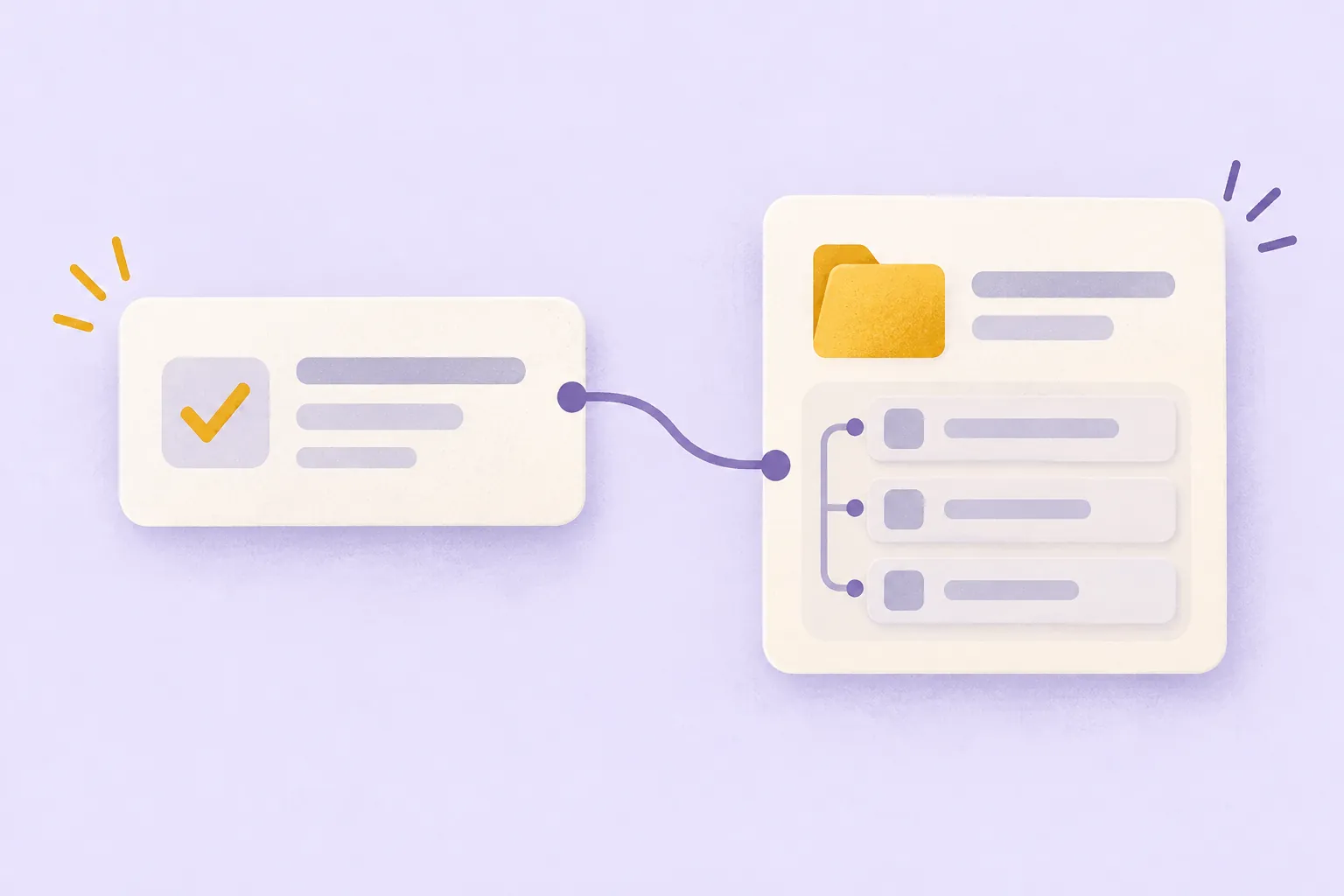
Conceptual illustration of a task-to-project relation. It is not a Notion screenshot.
When is a custom self-relation useful?
A custom self-relation helps when you need to connect tasks with property names or behavior that Notion's built-in nesting does not provide. It connects pages in one database to other pages in that same database.
Add a Relation property and select the task database itself. Notion can show a corresponding property on the related side. For a directional relationship, turn on the two-way setting and name each property, such as “Blocked by” and “Blocks.” For ordinary parent-child tasks, Sub-items already provides nesting and display choices. A custom relation would duplicate that setup.
Keep the two directions clear if you use both properties. Names such as “Parent item” and “Sub-item” describe nesting. Hide a property from a view when people do not need to edit that side of the relationship. Notion's relations guide explains two-way relations and the options for displaying related pages.
Do not confuse a parent-child link with a dependency. A parent groups smaller actions under one task. A dependency says that one task affects whether another can proceed. Notion documents dependencies as a separate database feature with its own date-shifting settings. Add that only when the order between tasks changes your planning.
A small example: prepare a workshop
Suppose you are preparing a workshop and want the main task to stay visible while you split the work. This fictional example shows the structure, not product data.
| Item | Parent | Why it is here |
|---|---|---|
| Prepare the workshop | None | The outcome to review |
| Confirm the room | Prepare the workshop | A standalone action with its own status |
| Draft the agenda | Prepare the workshop | Work that can move forward on its own |
| Send the materials | Prepare the workshop | A final action with its own due date |
Make “Prepare the workshop” the parent and add the three actions as sub-items. Give each child a status. Add due dates only when timing affects your next step. Open your planning view and check that the parent and children appear as expected.
If you also manage the workshop as a project, create a Projects record and relate the parent task to it. The subtasks stay in the task hierarchy, while the project record holds details for the larger effort. If you do not need that project record to make a decision, keep the list flat or use only the parent task.
Check the hierarchy before it grows
Check the views where you work. A hierarchy may be clear in a table but confusing in a board or calendar if the view hides children or displays them as separate cards.
Use this short check after setup:
- Open the task view where you plan work. Expand a parent and confirm its children appear.
- Check filters for status, date, and item type. Decide whether each view should show parents, children, or both.
- Mark a sample child complete and confirm it stays visible wherever you review completed work.
- Decide what happens when a parent is moved or deleted. Notion says deleting a parent deletes its sub-items too. Move children out first if they need to remain.
- Ask whether the parent still helps you decide what to do next. If not, remove the hierarchy.
Notion duplicates a parent together with its sub-items. When you move an item with sub-items, Notion turns on the feature in the target database if needed. If you lack permission to enable it there, the children become parent items; any child you cannot edit will not move. Check the current Notion help page before moving a hierarchy between databases.
Where Notion Task Manager fits
Notion Task Manager includes a Home dashboard with Today, This Week, and This Month views, plus a Master Task List, Kanban Board, Eisenhower Matrix, Deadlines, and Time Tracker. The product contents do not promise a preconfigured parent-child hierarchy. You can enable Notion's native Sub-items feature on a task database if that structure suits your work.
The Notion Task Manager overview lists the included areas so you can decide whether they are a useful starting point before you add any hierarchy.
Notion Task Manager is a prepared workspace. Sub-items are a Notion database setting. Choose parent tasks, project records, or a flat list based on the work you track.
Why trust this guide?
We checked Notion's Sub-items & dependencies, Database relations & rollups, and Database properties pages on 31 October 2026. Menus can change, so check the current help page if a setting has moved. The workshop example is fictional. Notion Task Manager is a Cosmo Suite template; about Cosmo Suite and our editorial policy cover the company and its sourcing rules.
Frequently asked questions
Are Notion sub-items the same as a relation?
Notion sub-items use a relation behind the scenes, but the database settings give that relation parent and child behavior. Use a regular relation when you want to connect tasks to a separate Projects database.
How do I turn on subtasks in Notion?
Open the database settings, choose More settings, then Sub-items and Turn on sub-items. Notion's menu labels can change, so check its current help page if the option has moved.
Can a subtask have its own due date and status?
Yes. A sub-item is a database page, so it can use the properties in that database. Give it a due date or status when that detail changes how you plan or review the work.
Should subtasks go in a separate database?
Usually not when they follow the same task process and need the same fields. Keep them in one task database with sub-items. Use a separate database when the records describe a different kind of thing, such as projects.
Can I show subtasks in a Notion view?
Yes. Notion lets you choose nested or flattened display options in several database views. Check each view's sub-item and filter settings so the child tasks appear where you expect.
Does Notion Task Manager include a subtask system?
Notion Task Manager includes a Master Task List and other linked work areas. Its published contents do not promise a preconfigured parent-child hierarchy. You can enable Notion's native sub-items on a database if you want that structure.
Sources
Keep reading
Task Management
Notion Task Manager: What to Keep and What to Skip
notion task manager: Learn which task fields and views earn their place, what you can skip, and when a ready-made Notion setup makes sense.
· 8 min read

Task Management
Notion Team Task Manager: One Shared Task List for a Small Team
Notion team task manager setup for a small team: one shared database, an Assignee property, personal views and the Free plan limits to check first.
· 9 min read
Task Management
Free Notion Task Template: What You Actually Get
Notion task template free: what a free template includes, which Free plan limits break one, and a ten-minute test to run before you duplicate.
· 11 min read
