Free vs Paid Notion Task Templates: What Should You Pay For?
free vs paid Notion task templates: Compare task views, setup effort, and plan limits with a practical checklist before you duplicate or buy.
By Notion Task Manager by Cosmo Suite · Editorial policy
Published · 8 min read
A Notion task template is a reusable page or database setup that you add to a workspace and adapt. Free and paid templates can both help you capture tasks, check their status, and find what needs attention. Compare the task flow and plan requirements before comparing price tags.
There are two separate costs to check: what the template creator charges, and what your Notion workspace plan costs. Paying for a template does not, by itself, upgrade your Notion plan. If you want a ready-made task view instead of starting from an empty database, see the Notion Task Manager and its included task views.
Free vs Paid Notion Task Templates at a Glance
Choose a free template when it covers your task routine and you are comfortable adjusting it. Pay for a template when its prepared structure, instructions, or included workflow solves a specific setup problem that matters to you.
| What you need | Free template may fit when… | Paid template may fit when… |
|---|---|---|
| Basic task list | A title, status, and date are enough | The workflow is already organized around how you review work |
| Several kinds of work | You can add the views or filters yourself | The template connects tasks to projects or work areas you use |
| Quick setup | You are willing to build and test the database | Setup notes and a clear starting dashboard save you work |
| Plan-dependent features | The template uses features available on your plan | You have checked that its automations or collaboration needs fit your plan |
| Changes over time | You can maintain fields and views as needs change | The creator states what updates or support are included |
| Uncertain fit | You can try a free template before committing | A preview and description make the paid workflow clear enough to assess |
Treat “free” and “paid” as purchase choices, not quality ratings. A free template can be carefully designed, while a paid template can still ask you to rebuild parts of it. Read the description, inspect the preview, and follow the same small test in each candidate.
Why Trust This Article?
This guide compares buyer checks, not a ranked list of templates. We reviewed Notion’s Help pages about Marketplace templates, workspace plans, and block limits on November 9, 2026. The checklist below is a reader-run method; it does not claim that we tested or endorsed specific third-party templates. Read our editorial policy for our sourcing and review approach, or use the contact page to flag a correction.
Notion’s own Marketplace includes both free and paid templates. The Marketplace shows an Add action for free listings and a Buy for [price] action for paid ones. Some paid listings send buyers to a third-party checkout, so review the seller’s terms on that page as well. See Notion’s instructions for finding and adding Marketplace templates.
What Should a Paid Task Template Add?
A paid template should make its task workflow easy to understand before you buy it. Look for a usable starting view, a sensible set of task fields, and enough instructions to adapt the system to your own work.
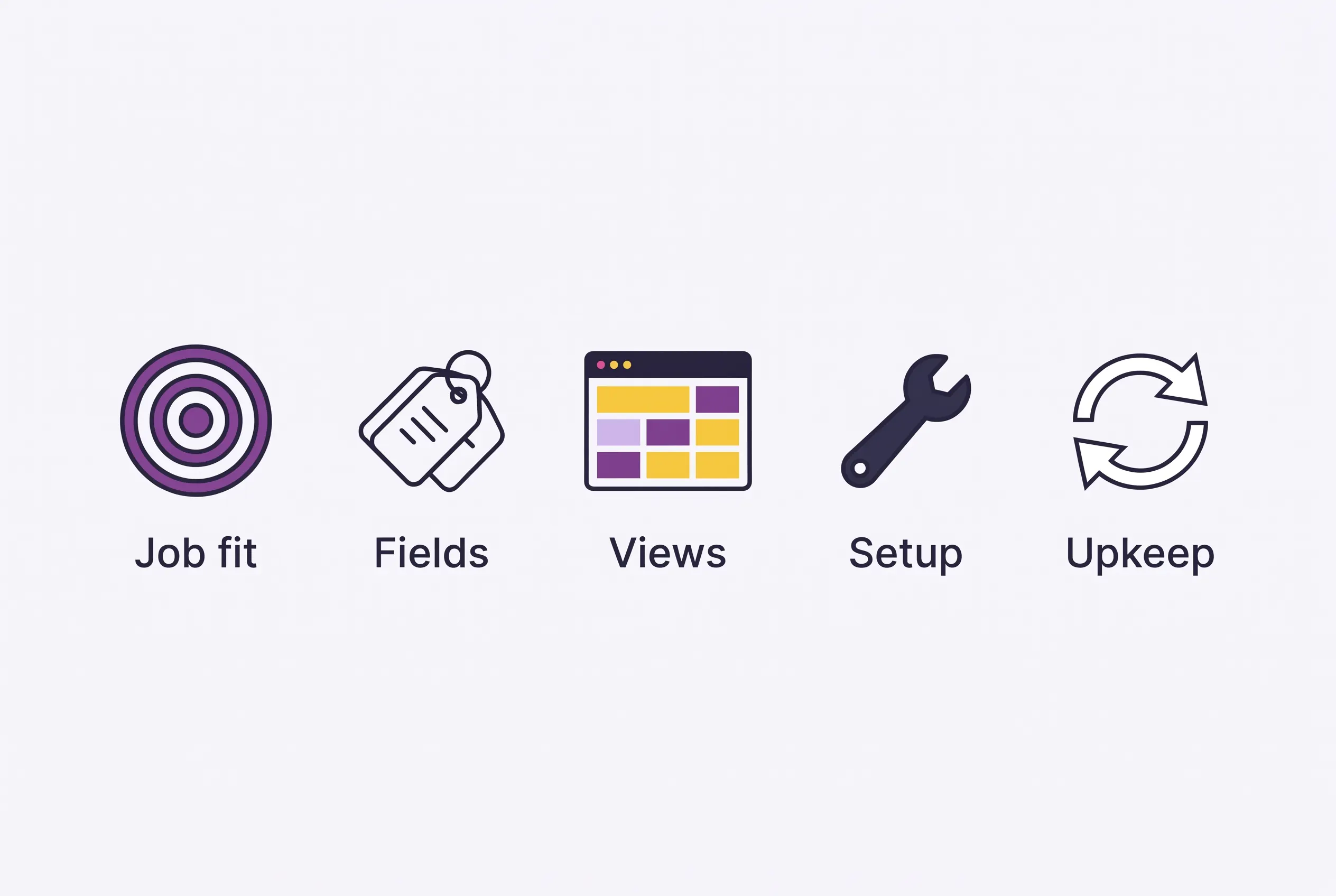
Start with the job. Is the template for a personal task list, a project workflow, or team handoffs? A template built for project reporting may include more structure than a person who only needs a short daily list will use. If you are setting up your first database, this guide to the minimum fields in a Notion task database explains a lean starting point.
Next, inspect the fields and views. Status, due date, and project can each be useful, but only when they help answer a regular question. A view should make a particular group of tasks easier to find. A board, calendar, or dashboard is not automatically useful because it looks polished in a preview.
Check the instructions, too. Does the creator explain how to duplicate the template, change its properties, and reset sample entries? Does the listing say what support or future updates include? If these details are missing, treat them as unknown rather than assuming they come with the purchase.
Check dependencies as well. A paid template is still a Notion template. Its features may rely on workspace settings, member access, or plan capabilities. Notion says users on the Free plan can use or turn off automations in a duplicated template, but cannot edit them or create new ones. If automation is central to the workflow, confirm how the template behaves on your plan before relying on it.
When Is a Free Notion Task Template Enough?
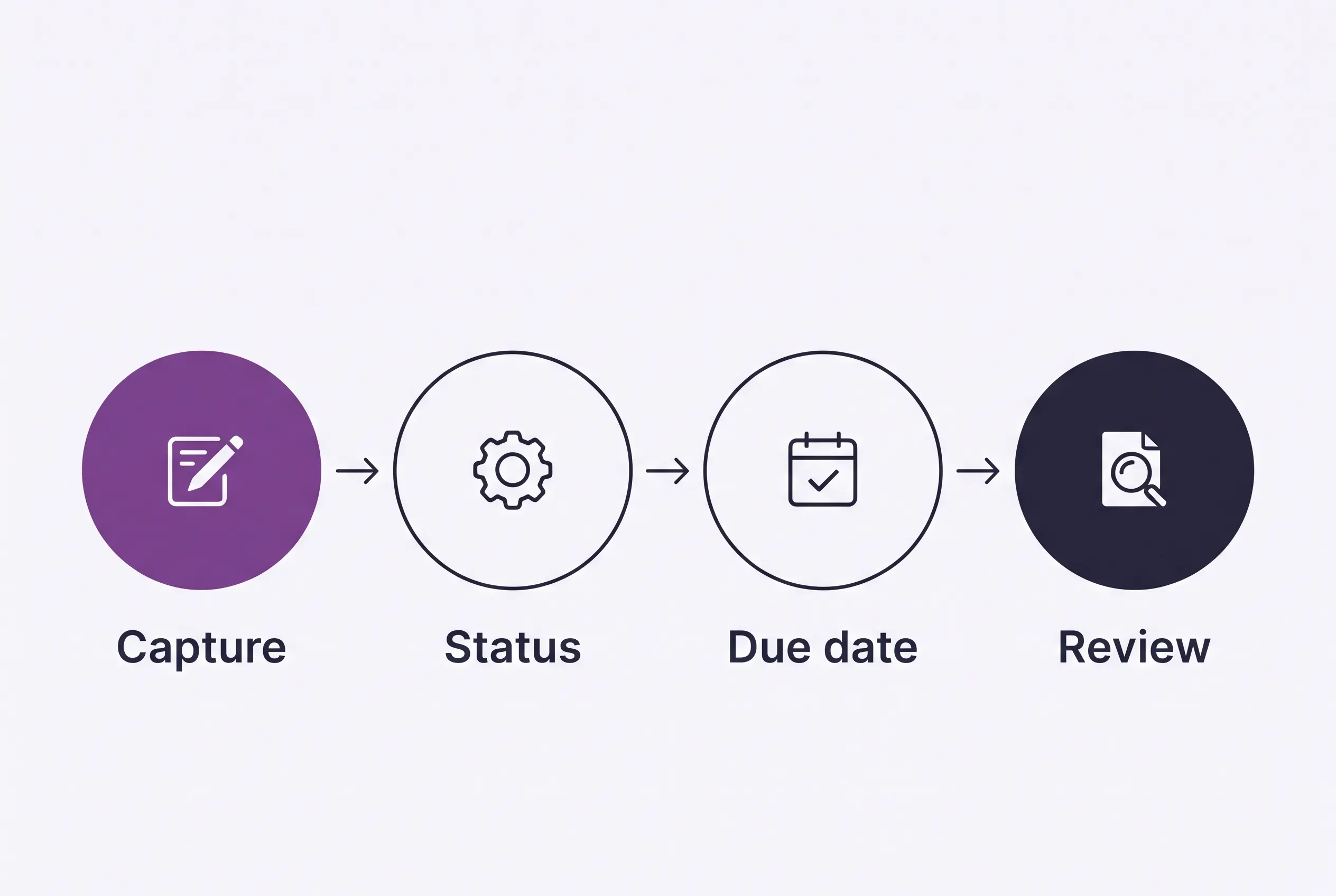
A free template is often enough when it handles the full loop you need: capture a task, update its status, and find it again when its date or project matters. Start with a small sample instead of filling it with every task at once.
Notion provides starter templates and a Marketplace where a user can add a free template to a workspace. Its template guide explains how to add and adapt one. You can also build a task database yourself. Begin with the few properties you will maintain, then make views only for questions you ask often. The task manager setup guide describes the basic fields and a small set of useful views. If you want those date views arranged in a prepared dashboard, review the Home dashboard in Notion Task Manager.
Try this with any candidate. Add a sample task called “Send the revised plan.” Give it a status and a due date. If projects matter in your work, connect it to a sample project. Then try to find that task in the view where you would expect to review it. Mark it complete and check that it leaves the open-work view.
This is an illustrative test, not a report about a particular template. If the test exposes a missing view or a confusing field, decide whether you can change it yourself. A free template can remain a good choice if the repair is small and understandable. A paid template may make sense if the missing setup is the exact work you hoped to avoid.
How Do You Compare the Template Cost With the Notion Plan?
Check the template price and the Notion workspace plan as two separate line items. A template purchase does not include an upgrade to a paid Notion plan, and an upgraded plan does not automatically include a paid template.
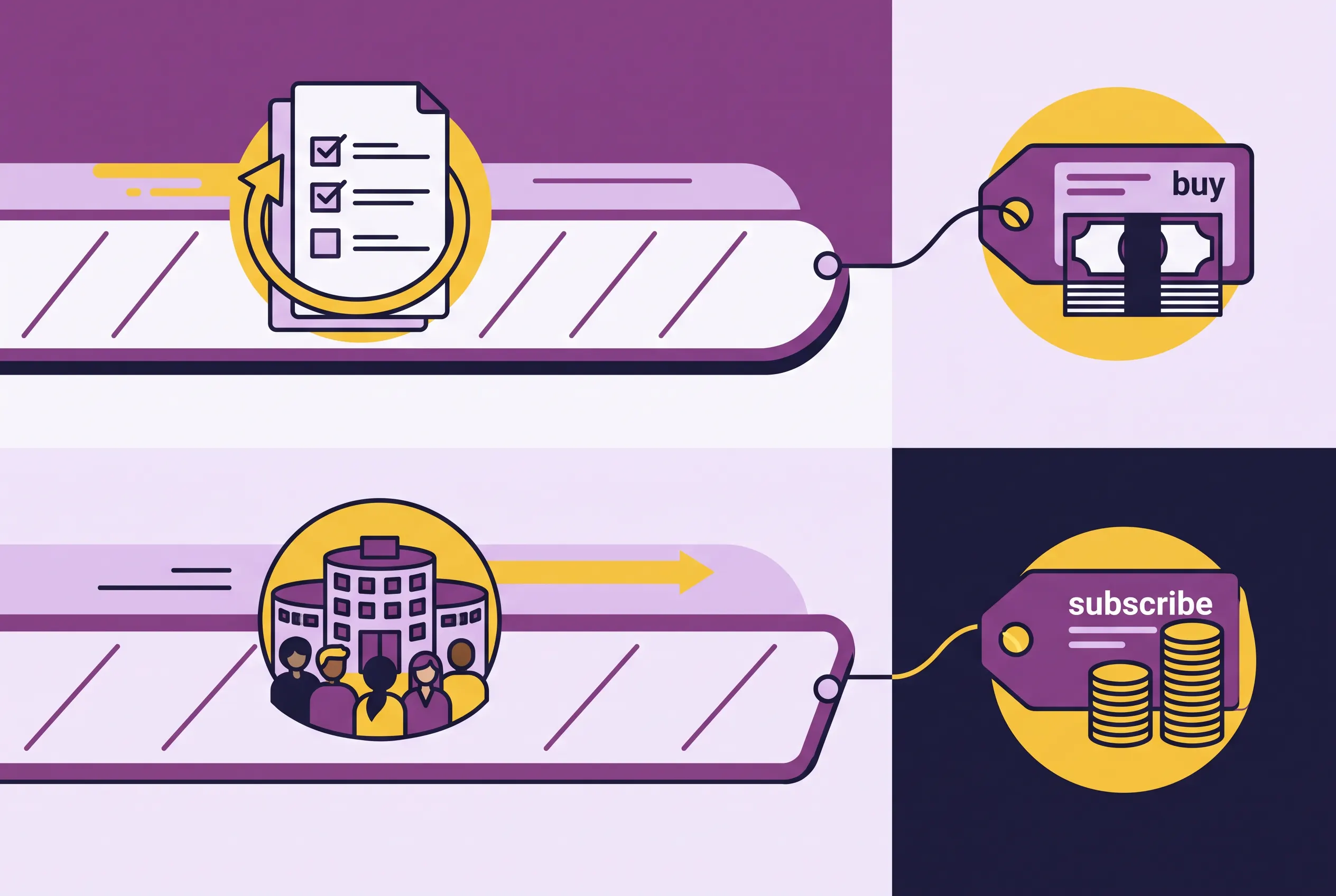
The current Notion pricing page lists its Free, Plus, Business, and Enterprise plans. Notion’s Help page explains that plans apply at the workspace level and that the Free plan is intended for individuals. Plan availability and included features can change, so use the live plan comparison for a decision rather than an old price in a blog post.
For an individual choosing a task template, the most useful first question is whether the template works on the plan already in use. The template’s listing or instructions should identify any dependencies. If the answer is unclear, ask the creator or choose a simpler option. Do not upgrade a workspace just to unlock a feature unless that feature is important to the way you plan to use the template.
Workspace limits also depend on the number of people. Notion’s current block-usage guide says its Free plan has unlimited blocks for a workspace with one owner, while restrictions apply to Free workspaces with multiple owners. It lists a 1,000-block limit for Free workspaces with two or more owners. Teams should check these details against their own workspace before choosing a task system.
A Five-Step Check Before You Duplicate or Buy
Use the same test for each candidate. It helps you compare what the template does with what you need to maintain afterward.
- Name the job. Write one sentence describing the task routine: for example, “I need to see work due today and later this week.” If a template is built for a different job, move on.
- Inspect the preview. Look for task names, status, due dates, and any project connection you need. A polished cover image does not show whether the database is usable.
- Trace one task. Follow a sample task from capture to completion. Note where you change its status, set its date, and find it again.
- Check the requirements. Record any automation, member access, or plan feature the template relies on. Confirm those features in Notion’s current documentation.
- Estimate upkeep. Mark each field or view you expect to use weekly. If many parts need edits before the template fits, include that setup time in your comparison.
If the template is available as a free Marketplace listing, you can add it and inspect it in your workspace. Notion also notes that some creators restrict moving or copying a template into another workspace. Review those terms if you use multiple workspaces or plan to share the template with someone else.
A third-party listing may have its own purchase, access, and refund terms. Notion’s Marketplace refund policy applies to purchases made through Marketplace; the Help page says buyers of third-party listings should contact the seller for purchase help. Check the checkout and seller terms before paying.
Which Type of Task Template Should You Choose?
Choose the template that passes your task test with the least work you are willing to maintain. Use this checklist after you inspect the preview and plan requirements.
- Choose a free template if it covers the tasks you track and you are comfortable changing a few fields or views.
- Consider a paid template if it gives you a clear starting workflow that would otherwise take time to assemble, and the listing explains what is included.
- Build your own if you need a very small list or want to learn how each Notion database part works.
- Pause before buying if the preview is thin, the required plan is unclear, or the description does not explain access and updates.
- Check workspace needs if other people must edit the same tasks. Member roles and plan limits can change the setup.
If your current template feels too complicated, a fresh purchase may not be the first fix. Remove fields you do not use, simplify the views, and check that each open task has a place to go. This four-moment review for abandoned Notion templates can help you find where a system stopped fitting your routine.
A Ready-Made Starting Point for Task Views
If you want a task dashboard that is already arranged around dates, the Notion Task Manager template includes a Home dashboard with Due Today, Upcoming, and Overdue views. It works on Notion’s Free plan and provides instant access. Check the product page for current availability and terms.
This suits someone who wants a prepared starting point for those date-based task views. If you prefer to shape every database yourself, begin with Notion’s free starter templates or build a small task database. Either way, test the workflow with a few tasks and keep only the properties and views you expect to use.
Frequently asked questions
Can I use a paid Notion template on the Free plan?
A paid template purchase and your Notion workspace plan are separate. Check the template's features and Notion's current plan limits before buying, especially if it relies on automations or collaboration features.
Are free Notion task templates good enough?
A free template can be enough when it helps you capture tasks, see their status, and review dates without extra setup you do not need. Try it with a few real tasks before adding more fields.
What should a paid task template include?
Look for a clear workflow, useful views, setup instructions, and a list of plan-dependent features. A longer feature list is only useful when those parts support work you actually do.
Does buying a Notion template upgrade my Notion plan?
No. Buying a template adds that template to your workspace under its stated terms. Notion bills workspace plans separately, so check both costs and any plan requirements.
Can a free Notion template include automations?
A template can contain automations, but Notion says Free-plan users can use or turn off automations in a duplicated template and cannot edit them or create new ones. Check the current Marketplace guidance before relying on one.
How do I compare two task templates?
Run the same sample task through each one: capture it, set its status and due date, find it in the right view, then mark it complete. Note missing steps, setup work, and any feature that depends on your Notion plan.
Sources
Keep reading
Task Management
Notion Task Manager: What to Keep and What to Skip
notion task manager: Learn which task fields and views earn their place, what you can skip, and when a ready-made Notion setup makes sense.
· 8 min read
Task Management
Notion Task Database Setup: The Minimum Fields to Start
notion task database setup: pick fields that guide your next action, start with a usable task list, and add views when you need another way to review it.
· 10 min read

Task Management
Notion Team Task Manager: One Shared Task List for a Small Team
Notion team task manager setup for a small team: one shared database, an Assignee property, personal views and the Free plan limits to check first.
· 9 min read
